Google Introduces Search Generative AI Performance Reports to Search Console
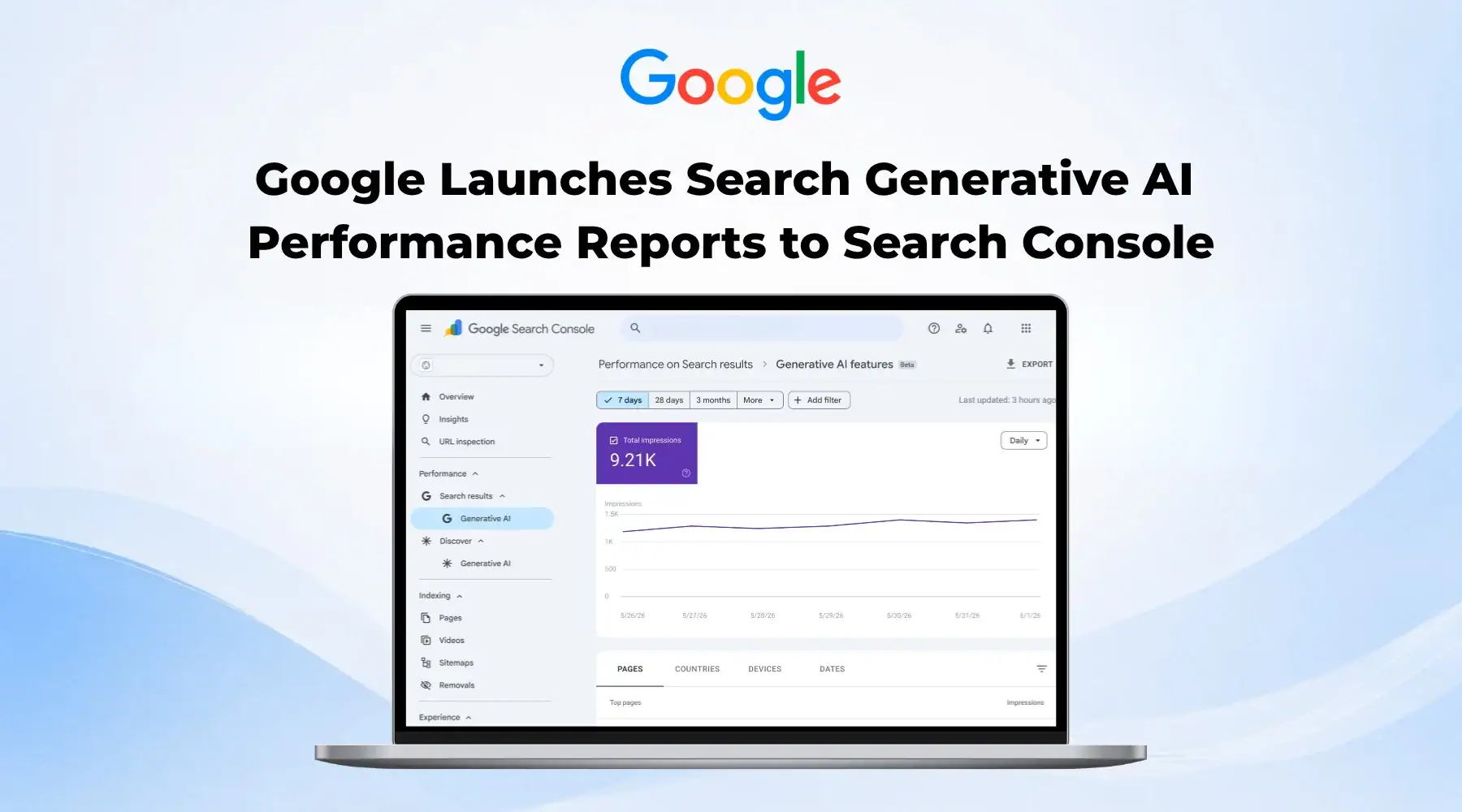
Google has introduced new Search Generative AI performance reports to Search Console, giving selected site owners a separate view of how their URLs appear across Google’s AI-led search experiences. The update covers visibility in AI Overviews, AI Mode, and generative AI features in Discover.
The reports don’t replace the main Performance report. Google says generative AI data still sits inside the overall Search Console performance data. The change gives website owners a clearer, dedicated view of AI search visibility instead of forcing them to read it only through broader search reporting.
For publishers, affiliates, ecommerce brands, and SEO teams, that matters. AI search visibility has moved from theory into reporting. Slowly. Selectively. But it now has its own space inside one of Google’s core search tools.
Key Takeaways: What Google’s New AI Reports Show Site Owners
- Google has introduced new Search Generative AI performance reports in Search Console.
- The reports cover AI Overviews, AI Mode, and generative AI features in Discover.
- Site owners can view impressions, pages, countries, devices, and date-level performance.
- The rollout currently applies to a subset of websites.
- Affiverse will publish a deeper analysis next week on what this means for affiliate and publisher reporting.
What Google Announced
Google announced the new Search Generative AI performance reports on June 3, 2026, through its Search Central Blog. The update introduces dedicated reporting views for Search and Discover, focused on how sites appear in generative AI features.
The Search report covers generative AI features on Google Search, including AI Overviews and AI Mode. The Discover report covers generative AI features within Discover. For now, Google has limited access. The company says it’s rolling out the reports to a subset of websites while it gathers testing feedback before broader availability. That means many site owners may not see the new reports in Search Console yet.
The update also gives site owners a cleaner way to separate AI search visibility from standard Search Console performance views, even though the data still feeds into the wider Performance report.
What the New Generative AI Performance Reports Show
The new Generative AI performance reports give site owners a view of generative AI impressions across several reporting dimensions.
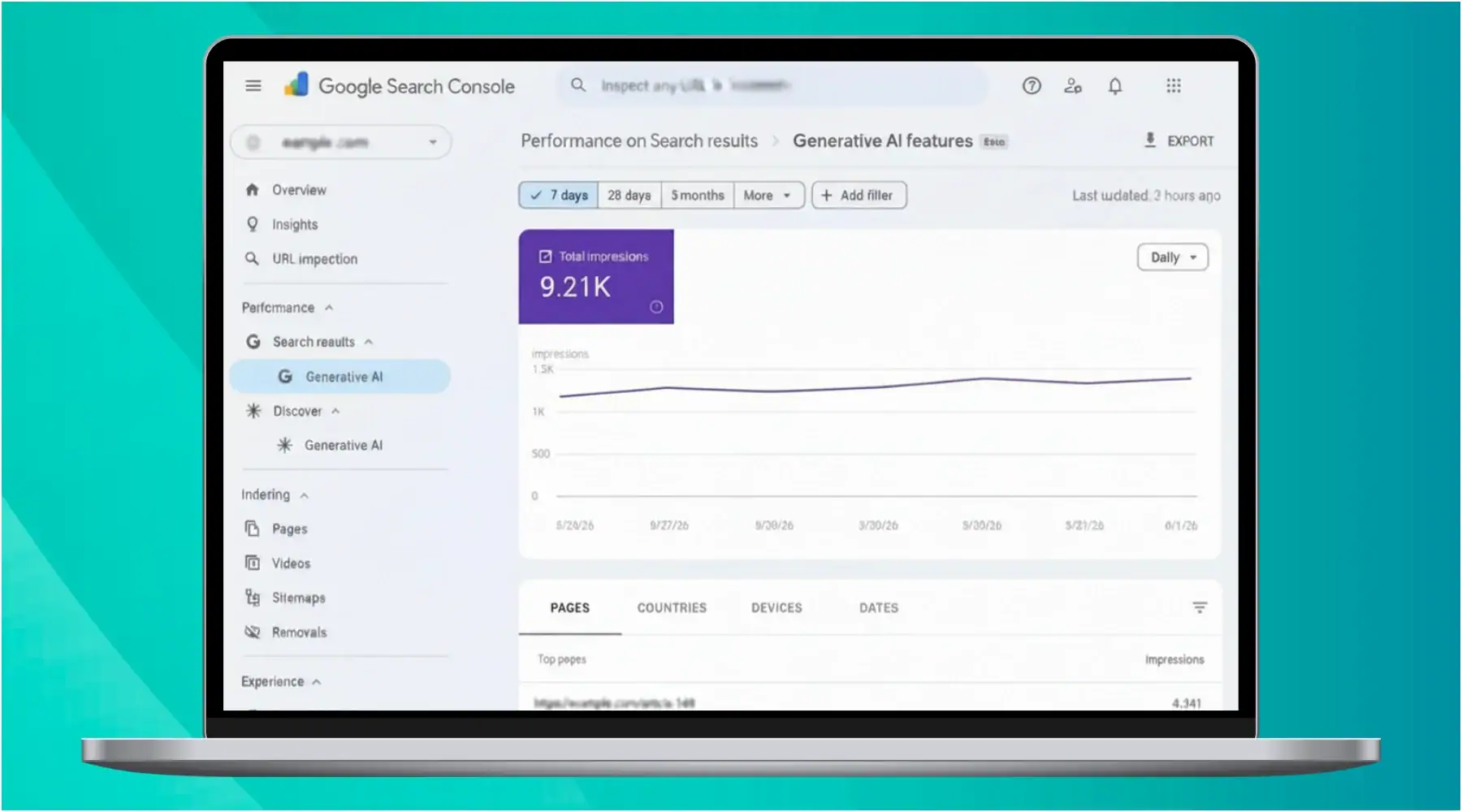
Image source: Google Search Central Blog
According to Google, the reports show impressions, pages, countries, devices for Search results, and dates. Date views include hourly, daily, weekly, and monthly granularity.
That gives website owners a more practical way to answer basic AI search questions.
- Which URLs appeared in generative AI features?
- Which countries generated that visibility?
- Did mobile or desktop drive the exposure?
- Did visibility rise or drop across a specific week?
For SEO teams, that’s useful. For affiliates, it could become part of a wider reporting layer alongside rankings, clicks, affiliate conversions, branded search, and content-level revenue. The reports still focus on visibility. They don’t suddenly solve attribution. They don’t tell every team how AI search affects conversion paths or commercial intent. But they do move some AI search measurement out of guesswork.
Why This Matters for Affiliates and Publishers
Affiliate teams and publishers have spent the past year asking the same uncomfortable question: when Google answers more directly inside search, where does that leave their content?
The answer won’t come from one report. Still, dedicated AI visibility data gives teams a better starting point. A comparison page might lose clicks but gain AI Overview impressions. A product guide might appear more often in AI Mode without sending much traffic. A news article might gain visibility in Discover’s generative AI features without behaving like a standard Discover placement. That creates a new reporting problem. Traditional SEO dashboards focus on clicks, impressions, position, and CTR. AI search adds another layer: visibility without the same user journey.
For affiliate teams, that could affect how they judge content value. A page may support brand presence, query coverage, and search authority even when click-through looks weaker than expected. Or the opposite could happen: strong AI impressions may create little commercial value if users don’t reach the publisher site.
Affiverse Will Cover the Bigger Picture Next Week
Affiverse will take a closer look next week at what Google’s new Search Generative AI performance reports could mean for affiliate teams, publishers, and performance marketers. The deeper question goes beyond whether a page appears in AI search. Teams now need to ask how that appearance fits into rankings, clicks, conversions, revenue, and brand presence. Search Console has started giving AI visibility its own lane. The next job belongs to marketers: deciding what that lane actually means inside a performance report.
Everflow
Connect
Tradedoubler
Connect
1win Partners
Connect
Shopnomix, a Nomix Group Company
Connect
Huffson Group
Connect
Kawaii Partners
Connect
Trackdesk
Connect
Share your expertise and expand your reach and become a content contributor with us today!
Contact Us To Find Out More