Google Adds Multimodal Search Reporting to Search Console
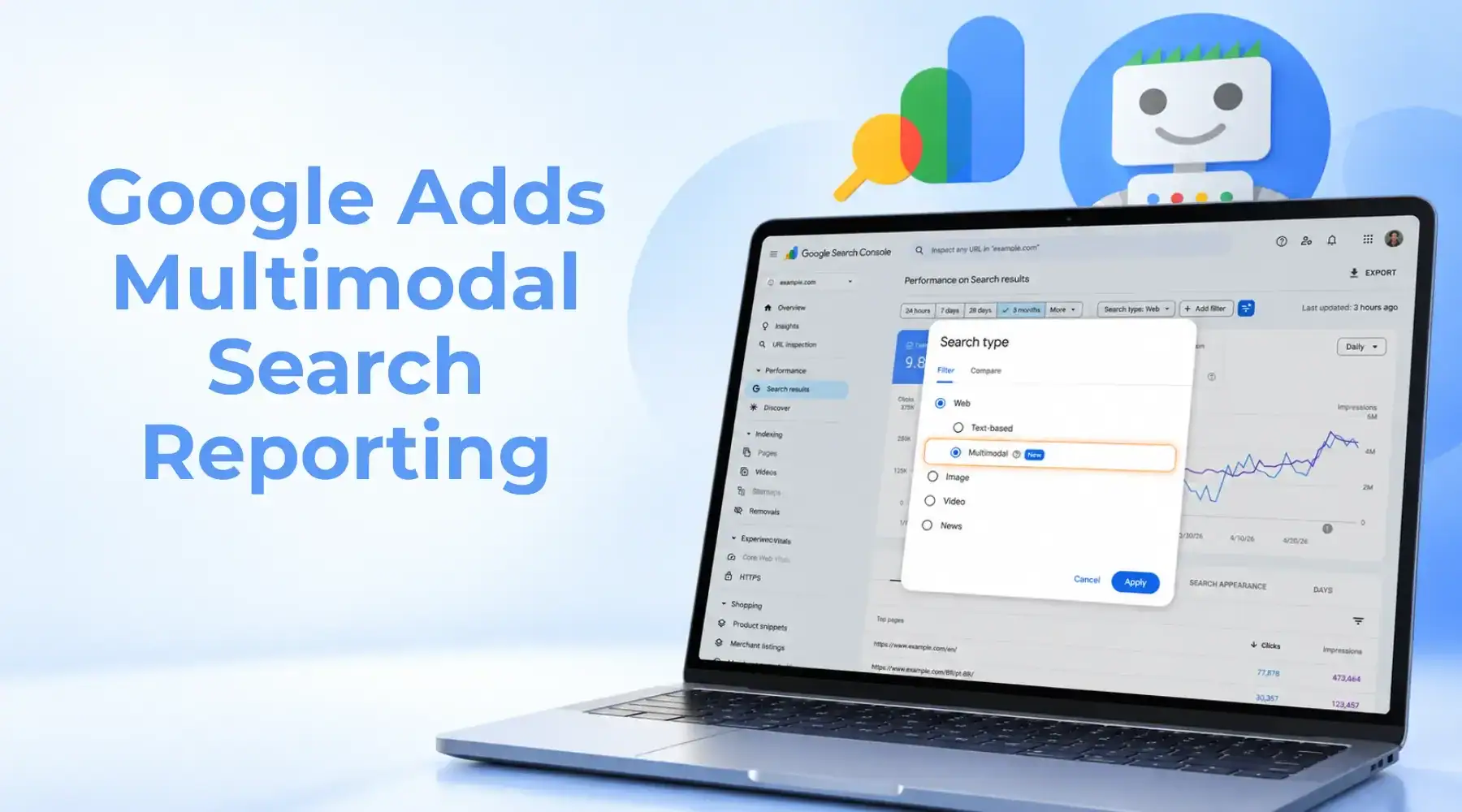
Google has introduced a multimodal search filter in Search Console, giving website owners a way to see how their content performs when people use an image as part of a web search. The update covers searches made through Google Lens, Circle to Search on Android, image uploads to Google Search, and Chrome’s “Search this image” feature.
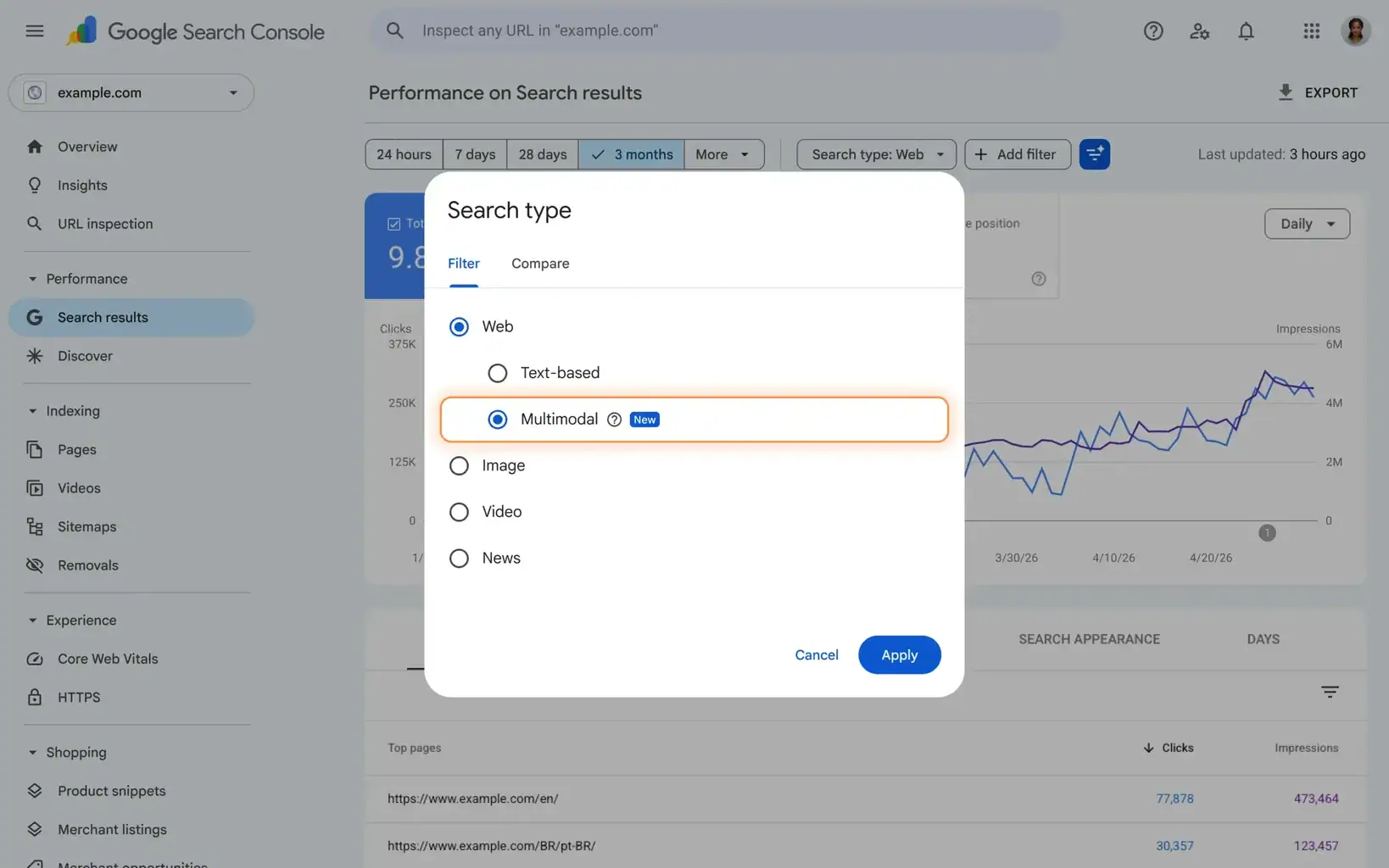
Where the New Search Console Data Appears
The filter is available in the Search results performance report and the Generative AI performance report. According to Google’s announcement, the rollout starts globally on 24 September. Sites receiving traffic from these searches should begin seeing the data in their Performance reports.
For affiliate publishers, this creates a more useful question than “Are our images optimised?” Teams can now ask whether people searching with images are finding their reviews, guides, and comparison pages—and whether those visits contribute to commercial results.
What the New Filter Shows
Search Console’s search type filter now distinguishes between Web: text-based and Web: multimodal. Google defines the latter as web searches that use an image as part of the search. It is separate from the Google Images search type.
- Search results report: Shows clicks and impressions from multimodal web searches, with views by page, query, country and device.
- Generative AI performance report: Shows impressions from multimodal searches in Google’s AI search features. This report does not currently show clicks.
These figures can tell a publisher whether its pages appeared in image-led searches, but they do not identify which image prompted a particular result or show whether a visitor later made a purchase.
Why Affiliates Should Pay Attention
Visual search has a clear use in product discovery. Someone could photograph an item they want to identify, search for a similar product they have seen, or use a screenshot while comparing options. Publishers with relevant reviews and buying guides may already be appearing in those journeys without having been able to isolate them in their web search reporting.
The new filter gives affiliate teams a way to investigate:
- Start with visually led products. Check reviews and buying guides where appearance matters, such as fashion, homeware or consumer electronics.
- Compare search performance. Look at multimodal impressions and clicks alongside text-based search results for those pages. Then review page-level engagement and tracked merchant-link clicks in your analytics. These comparisons can suggest commercial value, but they cannot attribute individual sales to a multimodal search.
- Inspect pages with weak visibility. If an important review performs in text search but rarely appears in multimodal results, check its photography and how its images are presented. Google’s image SEO guidance recommends discoverable HTML images and useful context on the landing page. Low visibility is a reason to investigate, not proof that the images are at fault.
A New Signal, Not a Sales Figure
Google’s Generative AI performance reports gave publishers a separate view of impressions in AI search features. Its later reporting for social and video content showed how posts on supported platforms perform in Google Search. The new multimodal filter answers a different question: how web content performs when someone uses an image as part of their search.
For affiliate publishers, that visibility is useful, but it is not a sales figure. Search Console can show which pages gain impressions and clicks from multimodal searches. Teams still need on-site analytics and affiliate reporting to assess whether those pages contribute to commercial results.
Everflow
Connect
Tradedoubler
Connect
1win Partners
Connect
PIN-UP Partners
Connect
Shopnomix, a Nomix Group Company
Connect
V.Partners
Connect
Huffson Group
Connect
Kawaii Partners
Connect
Share your expertise and expand your reach and become a content contributor with us today!
Contact Us To Find Out More