Google Ads Adds Channel Priorities and Budget Allocation Controls
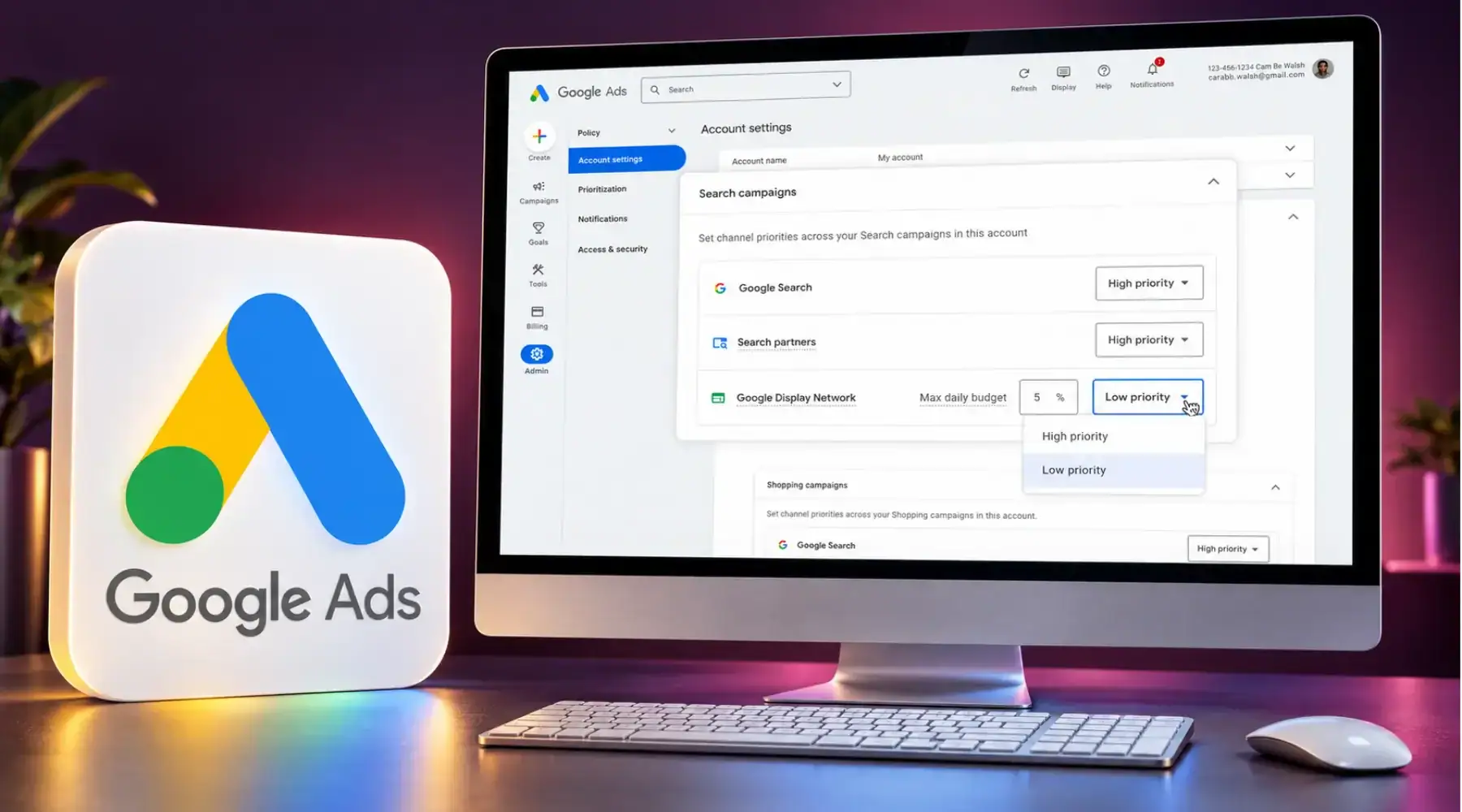
Google Ads is rolling out channel priorities and budget allocation controls, giving advertisers more say over how spending is distributed across Google inventory and partner networks. Announced October 14, with availability expanding from October 15, the update could help affiliate media buyers structure tests of additional inventory. The percentage allocations operate on a best-effort basis, so advertisers still need to monitor actual spending.
Key Takeaways: More Control Over Advertising Spend
- Advertisers can assign eligible channels to High or Low priority.
- Optional percentage allocations guide spending on lower-priority inventory.
- Demand Gen supports prioritization, but not percentage allocations.
- Search campaigns using Display Expansion face a related change from February 2027.
Channel Priorities Guide Where Budget Goes First
Google’s official announcement describes a system that funds higher-priority channels before directing remaining budget to lower-priority inventory. For Target CPA or Target ROAS campaigns, that funding remains subject to the campaign’s target.
The distinction matters when those campaigns are not limited by budget. Google says priority settings alone generally will not change their spending distribution, while an allocation setting can still influence lower-priority spending.
For affiliate buyers, this creates another way to test a network while maintaining a preferred source of traffic. The commercial question is whether that additional inventory produces enough approved commission to justify its acquisition cost.
Available Controls Differ by Campaign Type
Google’s Help Center documentation sets out the supported channel groups and allocation options:
| Campaign Type | Channels or Groups Available for Prioritization | Allocation on Low Priority Inventory |
| Search | Google Search, search partners, Google Display Network | Yes |
| Shopping | Google Search, search partners | Yes |
| Performance Max | Google channels, search partners, Google Display Network | Yes |
| Demand Gen | Google channels, Google Display Network | No |
For Performance Max and Demand Gen, Google’s own surfaces are grouped together as “Google channels”. This feature therefore does not provide a separate priority setting for each surface, such as YouTube or Gmail.
Availability is expanding progressively, so teams should confirm which controls have reached their accounts before planning a test around them.
How the Daily Allocation Is Calculated
The allocation uses the campaign’s average daily budget. For example, a 5% allocation against a $1,000 average daily budget means Google aims to keep that channel’s spending at or below $50 per day.
It is not calculated against actual daily spending. Google also says channel spending can exceed the selected allocation because the control operates on a best-effort basis.
For a media buyer, that makes daily monitoring part of the test. A chosen percentage provides a planning reference, while actual costs and approved earnings determine whether the campaign remains commercially viable.
Display Expansion Changes From February 2027
Google’s Display Expansion documentation identifies a separate operational change for Search campaigns with that feature enabled.
From February 2027, those campaigns will automatically transition to the new prioritization model. Their existing spending allocation behavior will end, potentially changing how budget moves between Search, search partners and Display.
Google says advertisers can retain their current configuration by setting the Google Display Network to Low priority with a 50% daily allocation. That percentage also operates on a best-effort basis.
Teams using Display Expansion should record their current settings and channel spending before the transition, giving them a baseline for reviewing subsequent changes.
What Affiliate Teams Should Measure
For affiliates buying traffic, the useful comparison is acquisition cost against validated earnings. A campaign can record conversions before the advertiser approves the corresponding commission, making early results an incomplete measure of profitability.
A practical review should compare:
- Advertising spend and approved commission by traffic source.
- Rejected or reversed transactions and the time needed to validate sales.
- Results against a comparable period, accounting for changes in offers or commission rates.
Affiverse’s guide to PPC arbitrage explains the economics behind buying traffic to monetize through affiliate offers.
For Q4 campaigns, teams should also document the offer, tracking setup, and permitted traffic sources before changing distribution. Those preparations fit into the wider workflow covered in Affiverse’s Black Friday affiliate marketing strategy.
Everflow
Connect
Tradedoubler
Connect
1win Partners
Connect
Shopnomix, a Nomix Group Company
Connect
Huffson Group
Connect
Kawaii Partners
Connect
Trackdesk
Connect
Share your expertise and expand your reach and become a content contributor with us today!
Contact Us To Find Out More