OpenAI Launches ChatGPT Business Hub With Website Click Reporting
How often does ChatGPT mention your business, and how many clicks does it send to your website? OpenAI’s new Business Hub gives verified businesses a 28-day view of both, along with the topics that bring their sites into ChatGPT answers. The company introduced the hub on November 10, 2026, as part of the Businesses in ChatGPT beta.
Businesses can also update the information ChatGPT may use in its answers. A retailer can revise its return policy or connect a product feed to share current prices and stock availability.
Key Takeaways From the ChatGPT Business Hub Launch
- Claim approval and Persona verification are separate steps. An approved claim gives businesses access to their profiles. Persona verification lets them publish profile updates, connect a product feed, and view Insights.
- Business Agents are optional. At launch, eligible US ecommerce and online service businesses can publish an agent that shoppers can open from the business profile to ask about products and policies.
- Insights covers the past 28 days. Verified businesses can see aggregate mentions, website clicks, and discovery topics when activity meets OpenAI’s reporting thresholds.
How to Claim and Manage a Business in ChatGPT
Owners and authorized representatives can claim eligible businesses where ChatGPT and the required verification are supported. To start a claim, visit OpenAI’s Businesses in ChatGPT page.
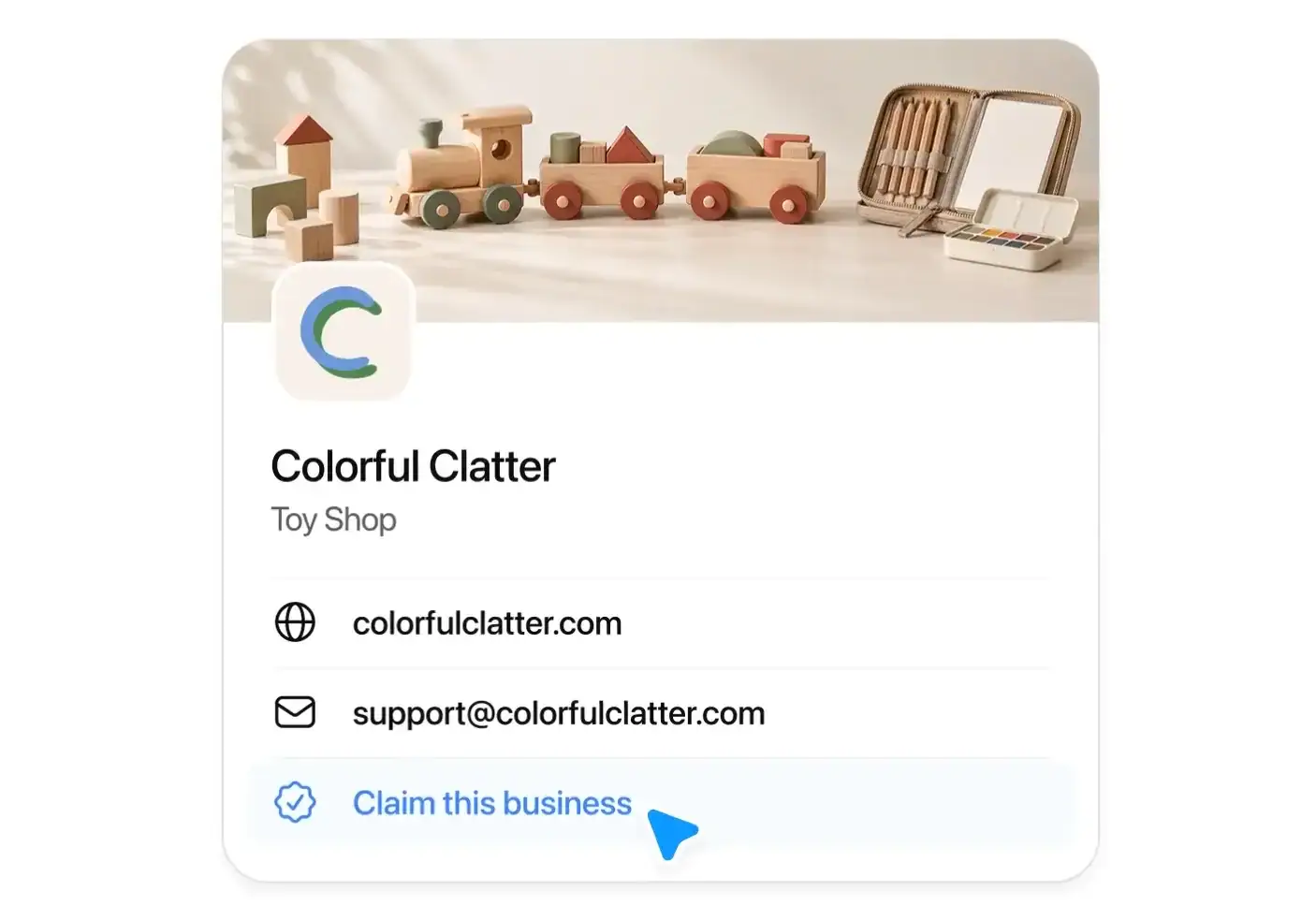
1. Claim the business. Sign in to ChatGPT, open Business Hub from the sidebar, and search by business name. Select the matching profile, confirm which account will manage it, and follow the verification prompts. Depending on the listing, OpenAI may offer verification by business phone, business email, website domain, or Shopify. For domain verification, add the TXT record ChatGPT provides to your DNS settings, then select “Verify domain” in ChatGPT. Eligible online businesses may see an option to add a missing listing.
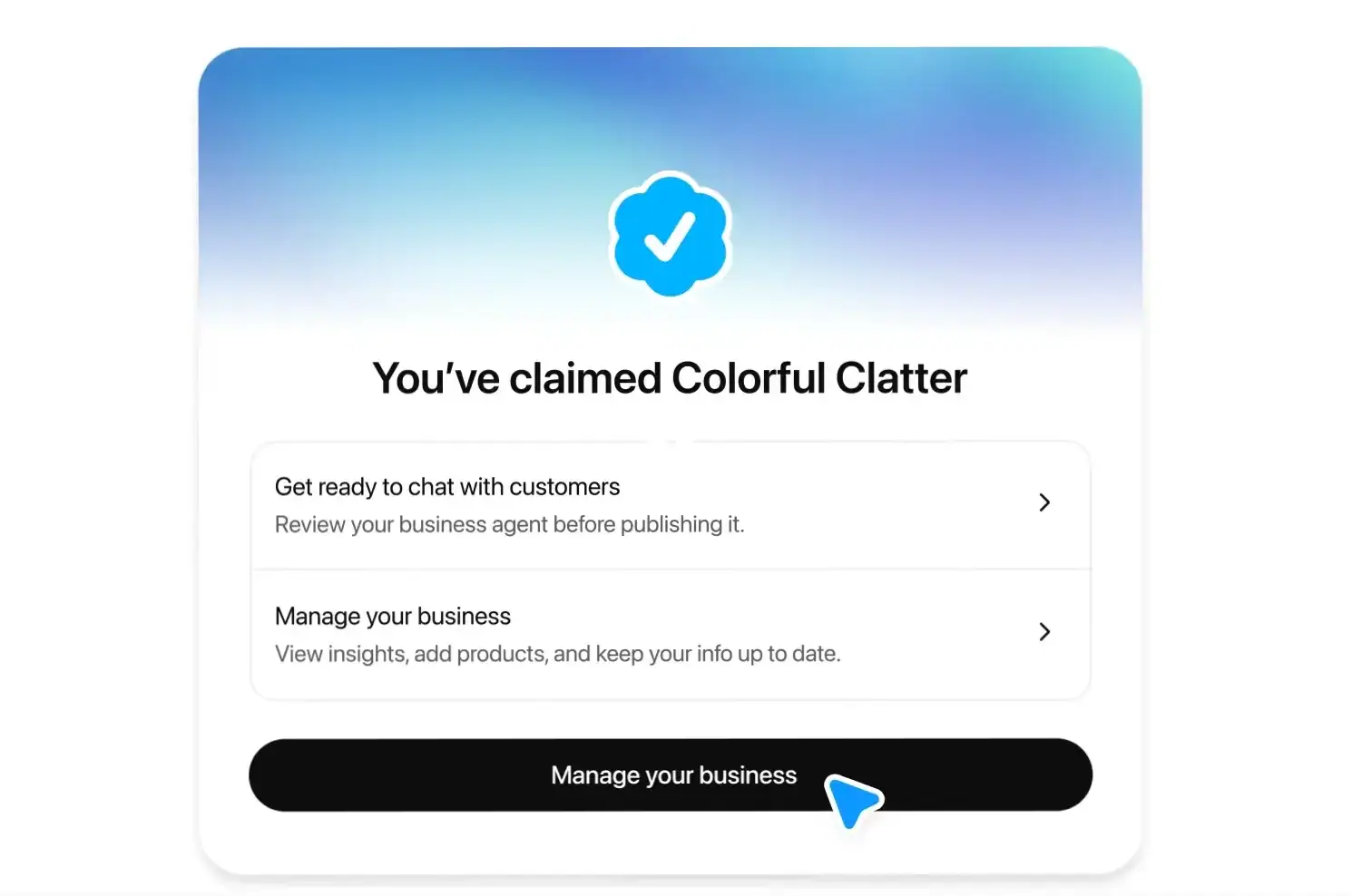
2. Verify your identity with Persona. After OpenAI approves the claim, open the profile in Business Hub and select the Persona verification option. OpenAI may ask for a government-issued ID, business registration details, and proof that you can represent the business. Persona approval adds a blue check to the profile and lets you publish profile updates, connect a product feed, view Insights, and create an agent where eligible.
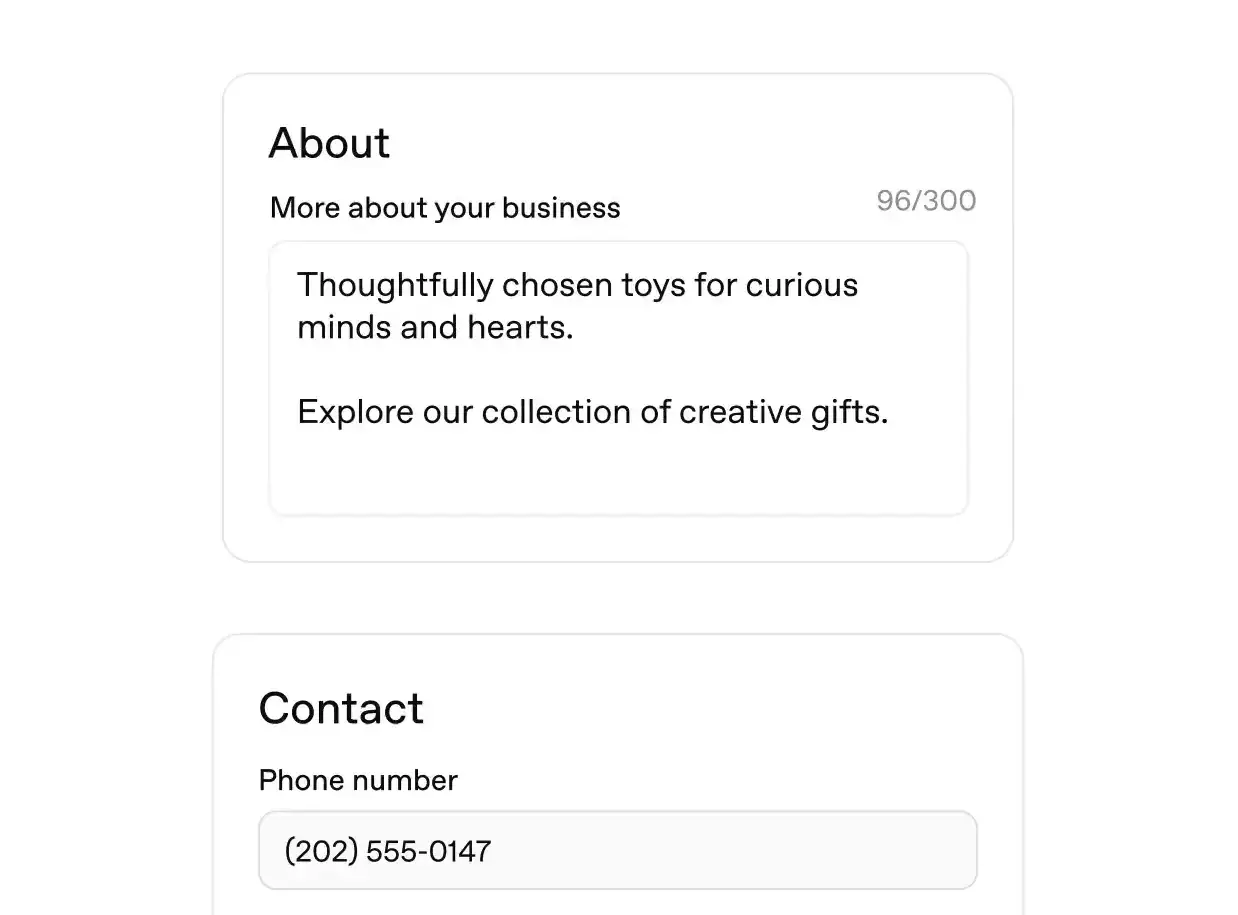
3. Keep business and product information current. Review the About section, contact details, hours where applicable, and policies such as delivery and returns. OpenAI reviews profile changes before publishing them, so updates can take time to appear. Retailers can connect an existing Shopify store to share product prices and availability. Other eligible sellers can upload a CSV or provide a URL that points directly to a hosted feed file. Use the required fields in OpenAI’s product feed specification.
How Business Agents Answer Customer Questions
At launch, eligible US ecommerce and online service businesses with a website can create an agent if they meet OpenAI’s industry requirements. In Business Hub, review the information the agent will use, including product details and return policies. Preview its answer to a common question, such as whether a sale item can be returned. Correct the information or instructions if needed, then select Publish.
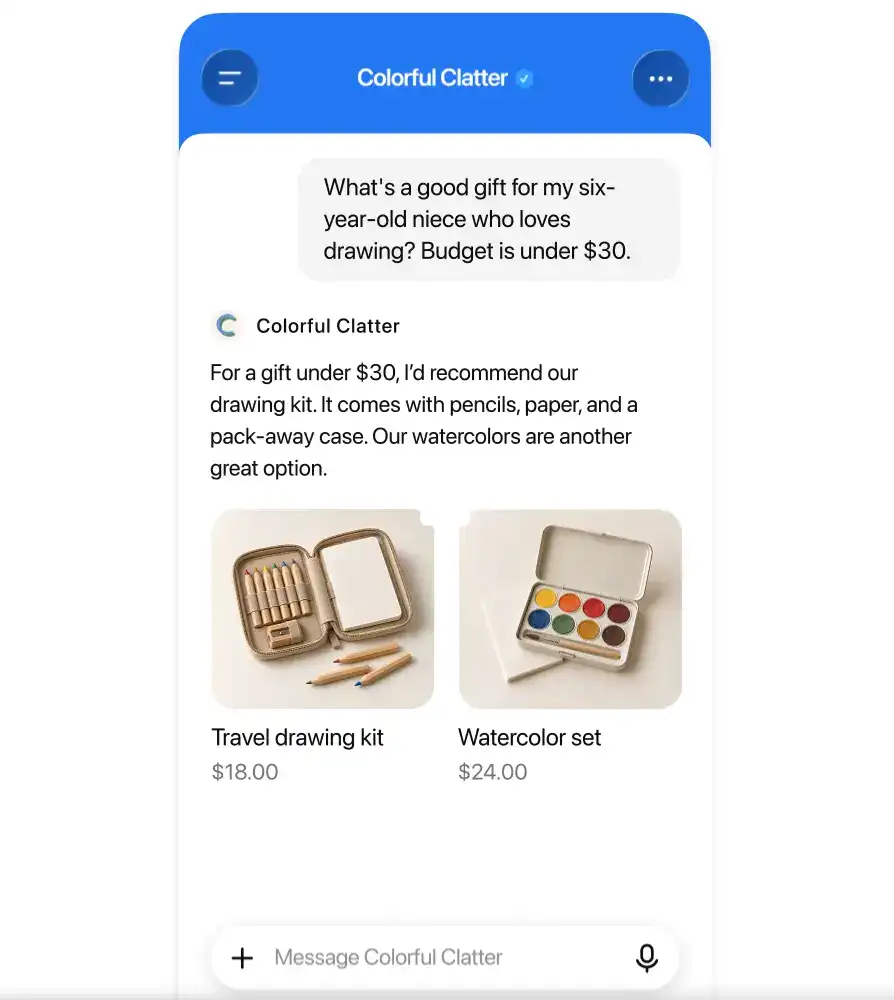
When a business appears in a ChatGPT answer, a shopper can open its profile and start a labeled conversation with its published agent. ChatGPT opens the agent conversation separately from the original chat. In OpenAI’s mobile demo, a shopper asks Colorful Clatter for a gift under $30 for a six-year-old who loves drawing. The agent suggests an $18 travel drawing kit and a $24 watercolor set.
Businesses can also use their agent as the destination for a ChatGPT ad, giving shoppers a place to ask product questions after clicking. Affiverse covered the format in its report on ChatGPT Sponsored Agents.
How to See What Leads People to Your Business
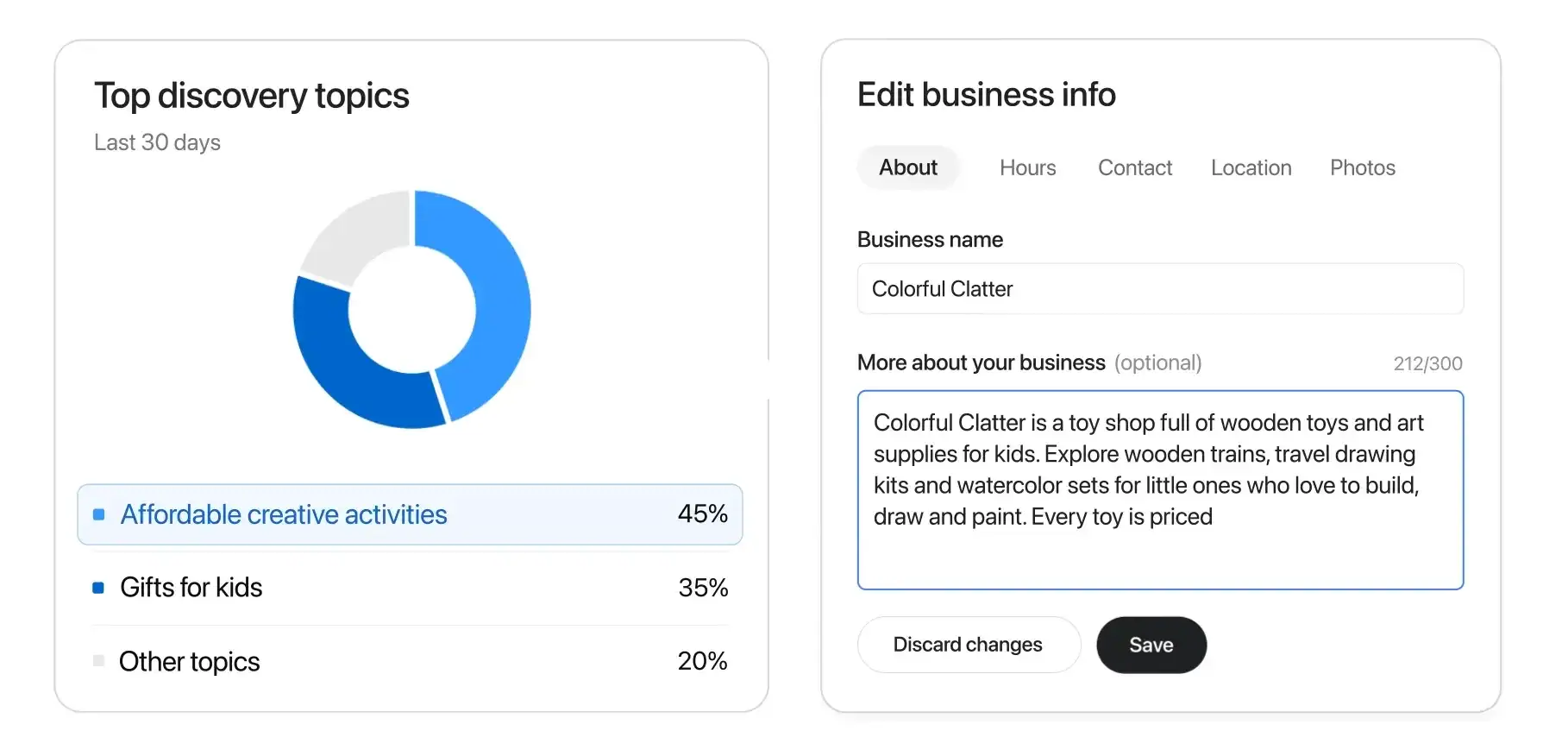
Open your verified profile in Business Hub and select Insights. The dashboard shows aggregate activity over the previous 28 days using the definitions in OpenAI’s setup guide.
- Mentions for an online business count only when ChatGPT references its website. For a local business, a location result counts as a mention even if the user never opens the listing.
- Website clicks count how often users click through to the business’s website.
- Discovery topics group common themes in ChatGPT answers that mention or cite the business.
OpenAI requires a minimum volume of activity before displaying insights and keeps individual prompts and Business Agent chats private. Its public guide leaves the numerical cutoffs unspecified. A blank metric can mean activity is below the reporting threshold, data is still being collected, or reporting is unavailable.
Community Reaction to ChatGPT Business Hub
Within hours of the launch, SEO and ecommerce practitioners on LinkedIn were comparing the beta with tools they already use.
Click Reporting
An early user likened Insights to Google Search Console for AI search and said their data was still loading after signup. The comparison revisits a reporting gap discussed in Affiverse’s panel recap on AI search and affiliate discovery.
Business Profiles
One post likened Business Hub to Google Business Profile for ecommerce and highlighted Shopify’s catalog integration. Connecting merchants to AI shopping is also part of Shopify’s work with Google on the Universal Commerce Protocol.
Shopping Advice
A commenter wondered how agents could bring a brand’s shopping experience and product advice into an AI chat. In a Feedvisor survey, 17% said they would read reviews and 17% would compare alternatives after an AI product recommendation.
What the Data Means for Affiliate Teams
An eligible publisher with a holiday gift guide could compare its Business Hub mentions and website clicks with ChatGPT-referred sessions over the same 28 days. To find those sessions, select the AI Assistant channel in GA4’s Traffic Acquisition report and filter for ChatGPT as the session source, using the steps in our guide to tracking AI traffic in GA4.
A tracking ID on the guide’s affiliate links lets publishers compare clickouts and credited sales with mentions and visits over time. Merchants can confirm partner credit in the affiliate platform’s transaction report.
Before publishing a Business Agent, test its answers on stock, delivery, and returns against the retailer’s site and the details shared with affiliate partners.
Everflow
Connect
Tradedoubler
Connect
1win Partners
Connect
Shopnomix, a Nomix Group Company
Connect
Huffson Group
Connect
Kawaii Partners
Connect
Trackdesk
Connect
Share your expertise and expand your reach and become a content contributor with us today!
Contact Us To Find Out More